 MATH
MATH 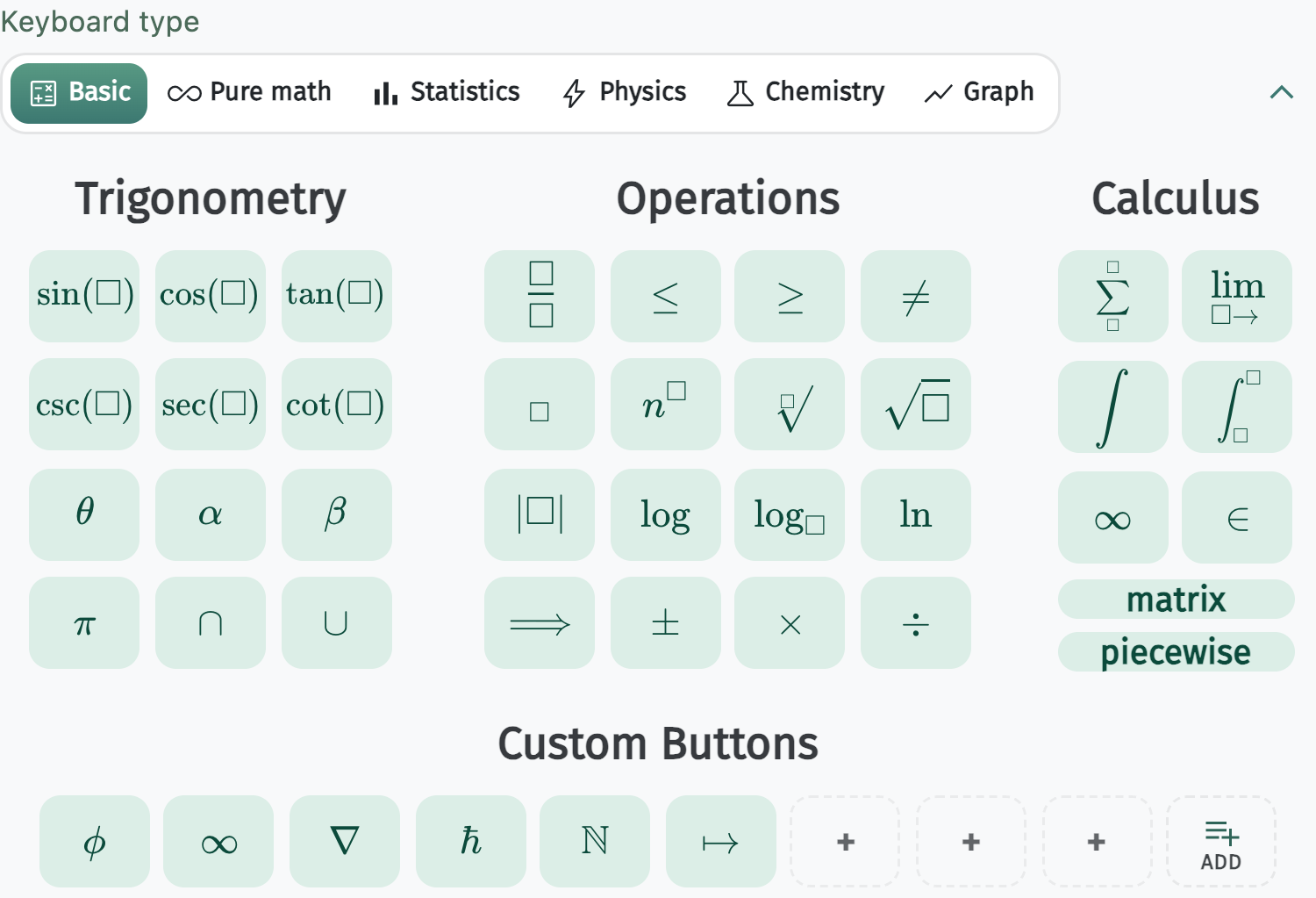
Click
Type on your keyboard or tap mint keys for integrals, fractions, matrices, chemistry, and more.
Write equations once. Paste them anywhere.
A free STEM keyboard for formulas, chemistry, and graphs — built for students, teachers, and researchers.

Three steps from blank page to polished equation in your document.
Type on your keyboard or tap mint keys for integrals, fractions, matrices, chemistry, and more.

Copy as an image for Docs and Slides, or Copy Latex for Overleaf and other editors.
 Calculus notes
Homework — quadratic formula
After solving for x, paste the equation into your write-up:

This image pastes cleanly into Docs, Slides, Word, and more.
Drop the result into Docs, Slides, Word, Keynote, email, LMS pages, and notes.
Browse each layout with the arrows — the page scroll stays free.
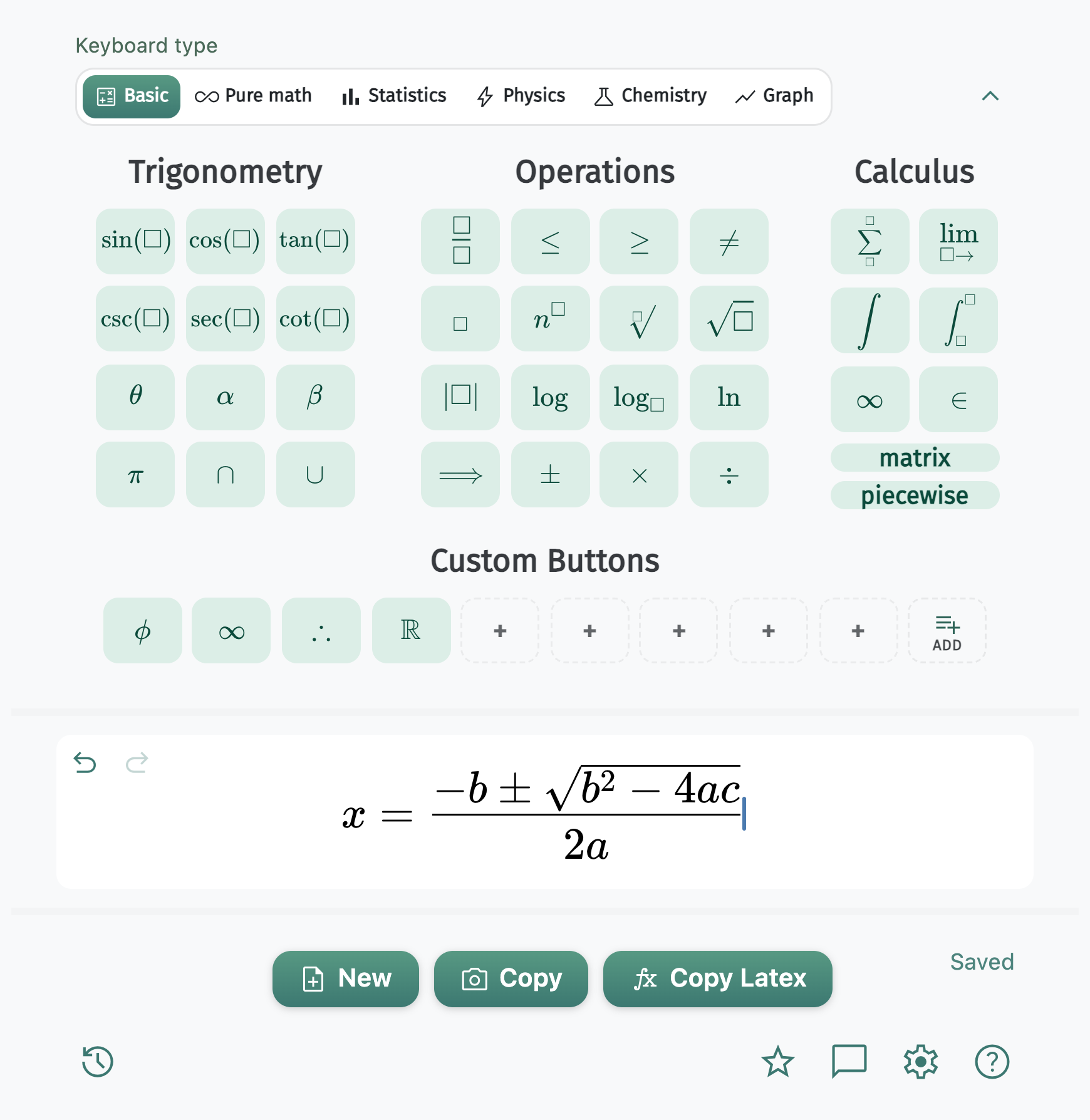
Mode 1 of 6
Trigonometry, operations, calculus, matrices, piecewise, and custom keys.
Paste polished equations into the tools you already use.
Google Docs Google Slides
 Microsoft Word
 PowerPoint
 Keynote
 Gmail
GmailTheme, font size, and font color apply to the equation and the image you copy.
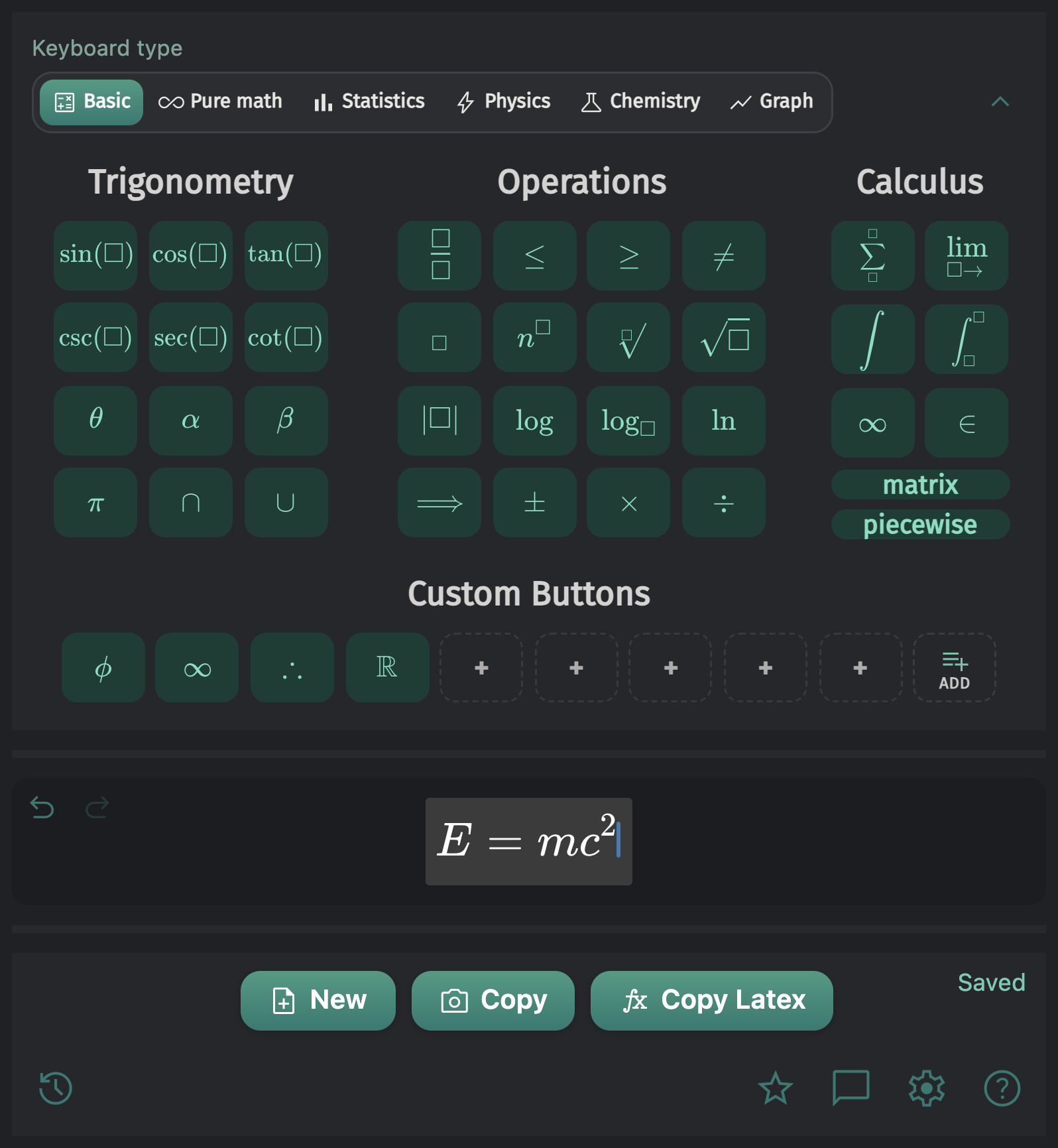
Switch themes from Settings — or follow your system preference automatically.
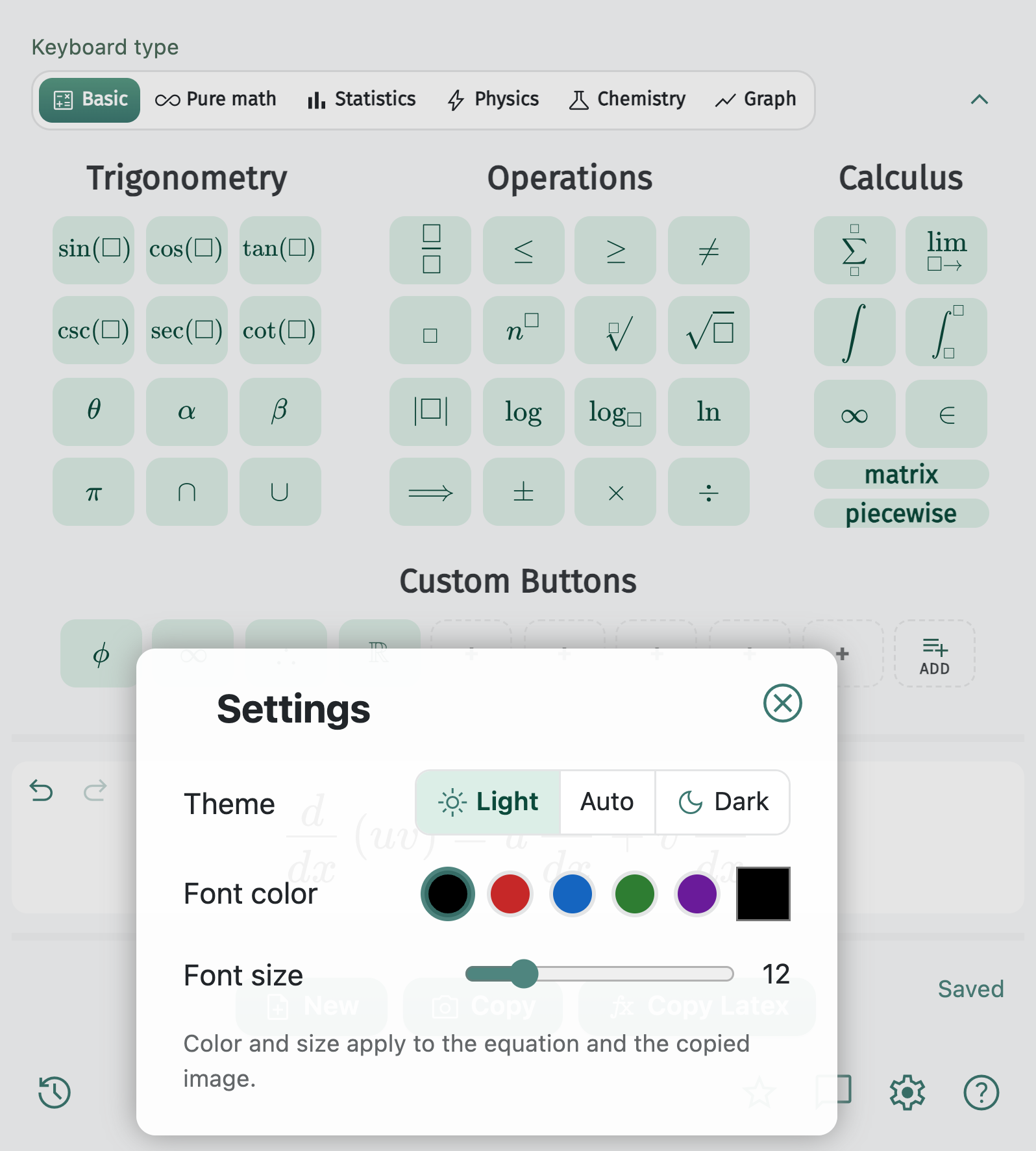
Dial the size and pick a swatch or custom color. What you see is exactly what you paste.
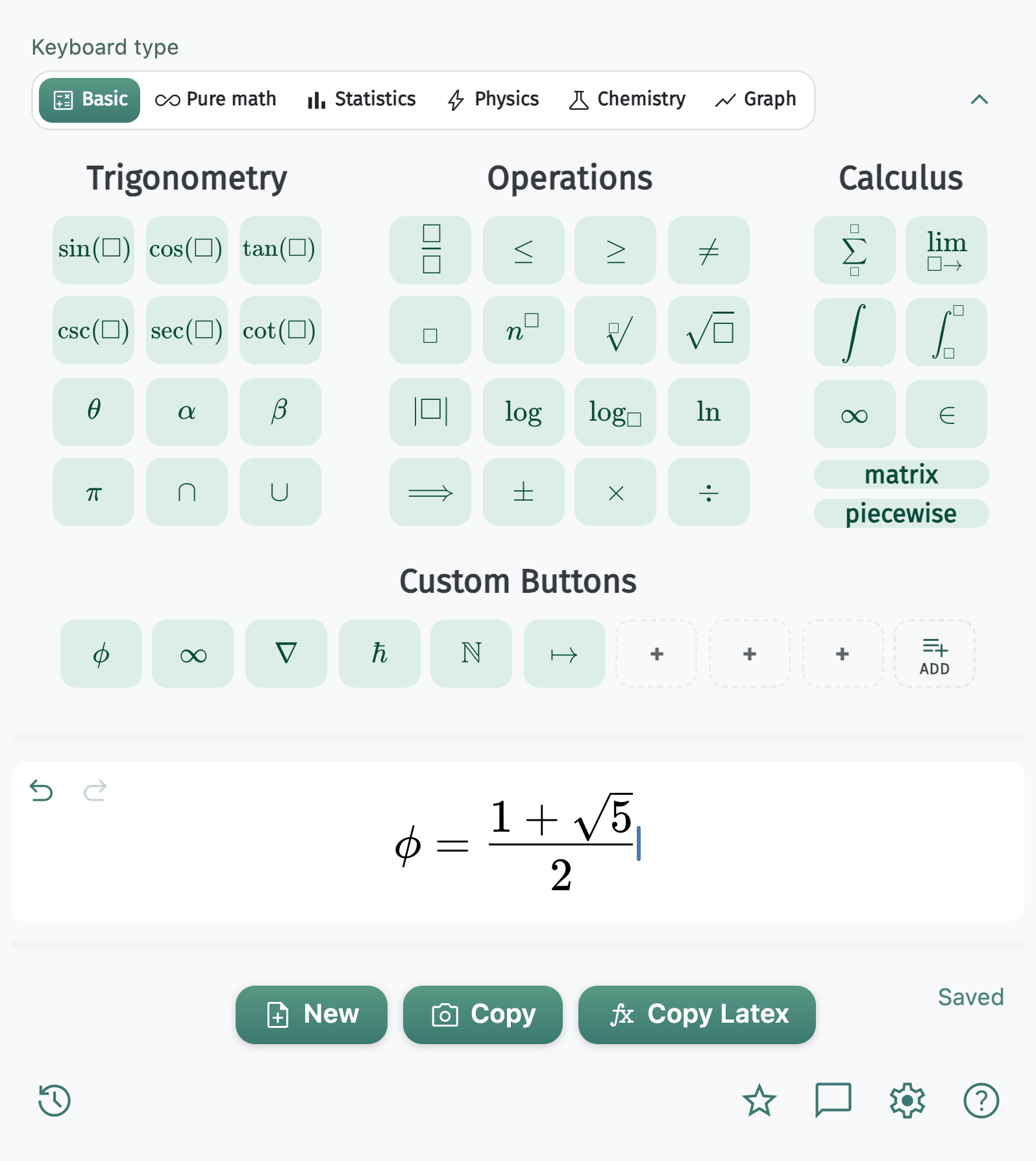
Save any LaTeX as a mint key. The button face renders the symbol — right-click to edit later.
Custom button guide →Built-in plotting with pan, zoom, increments, and TikZ or image export.
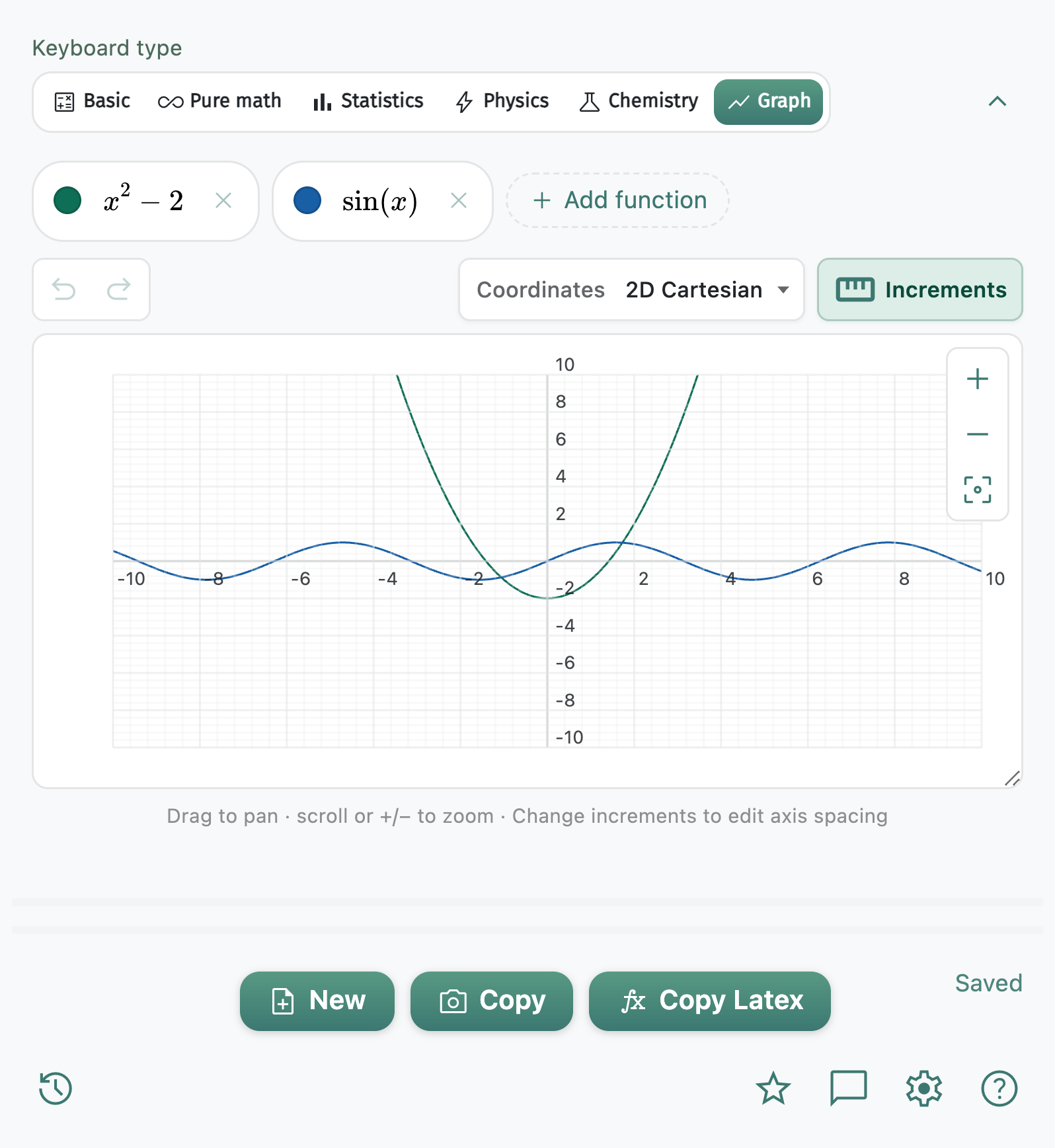
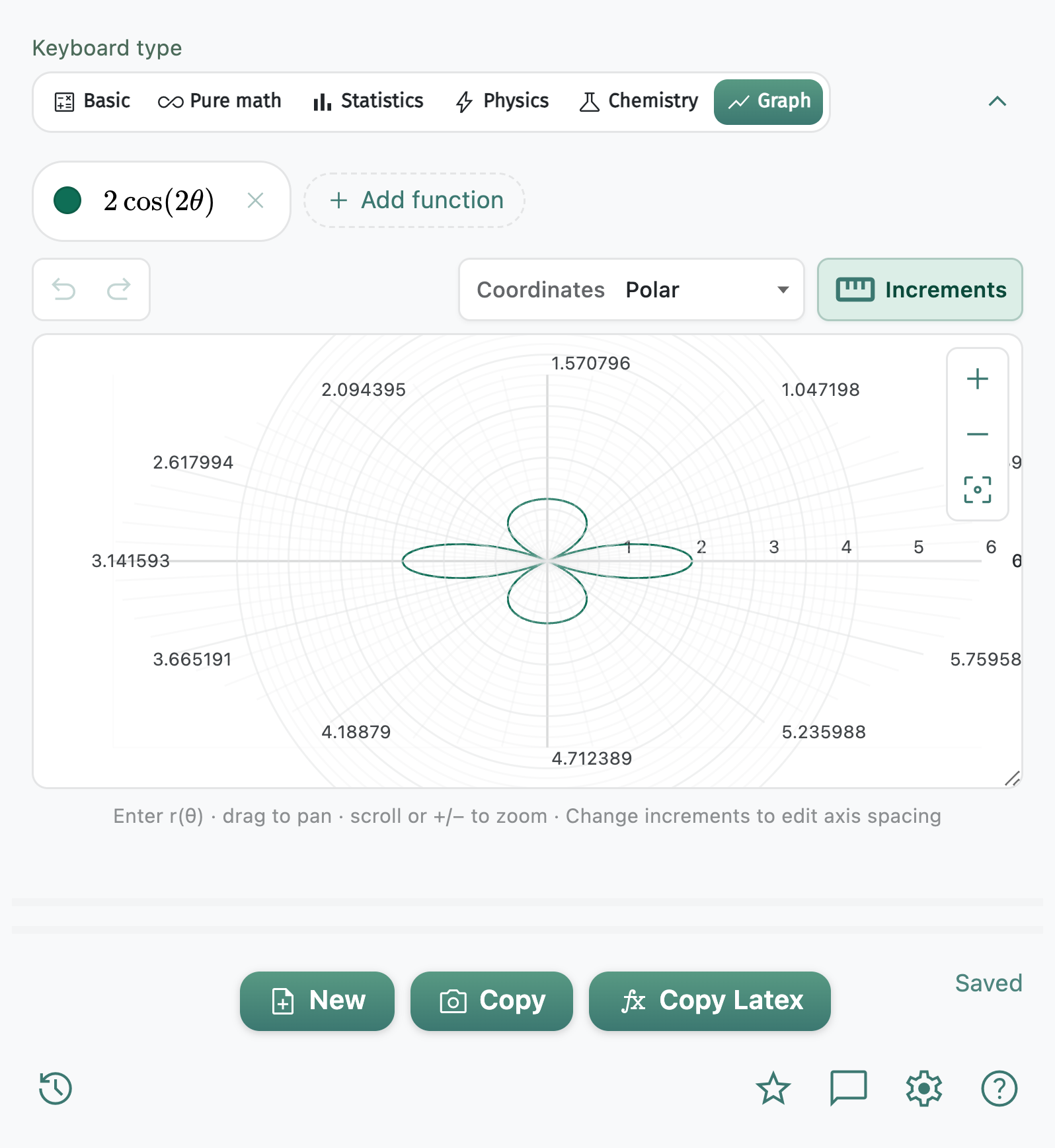
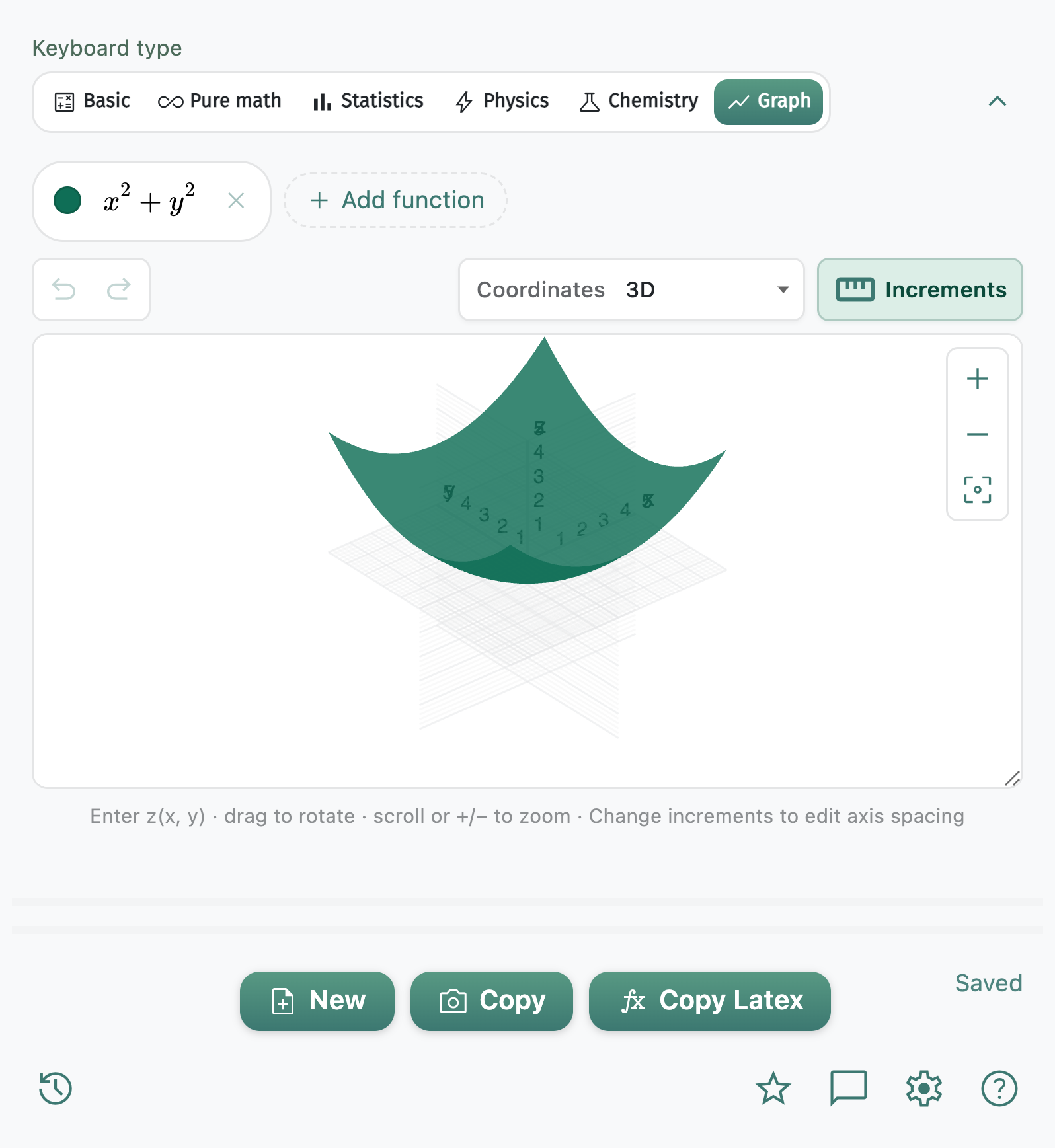
History, saved equations, matrices, piecewise, chemistry export, undo/redo — plus font size and color controls — a full STEM workspace.
Install the Chrome extension and paste equations into Docs, Slides, Word, and more.
Download Extension