Basic
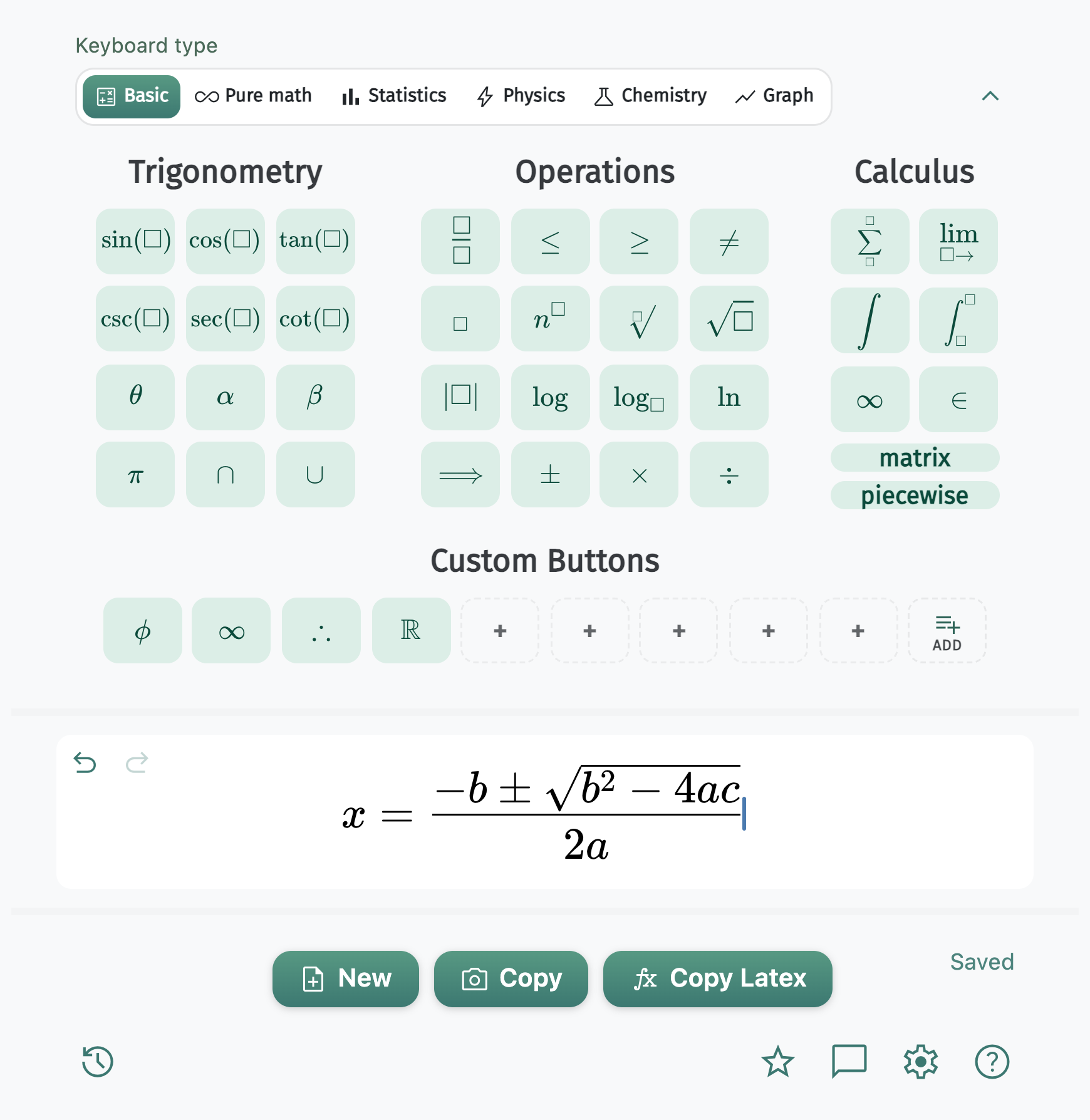
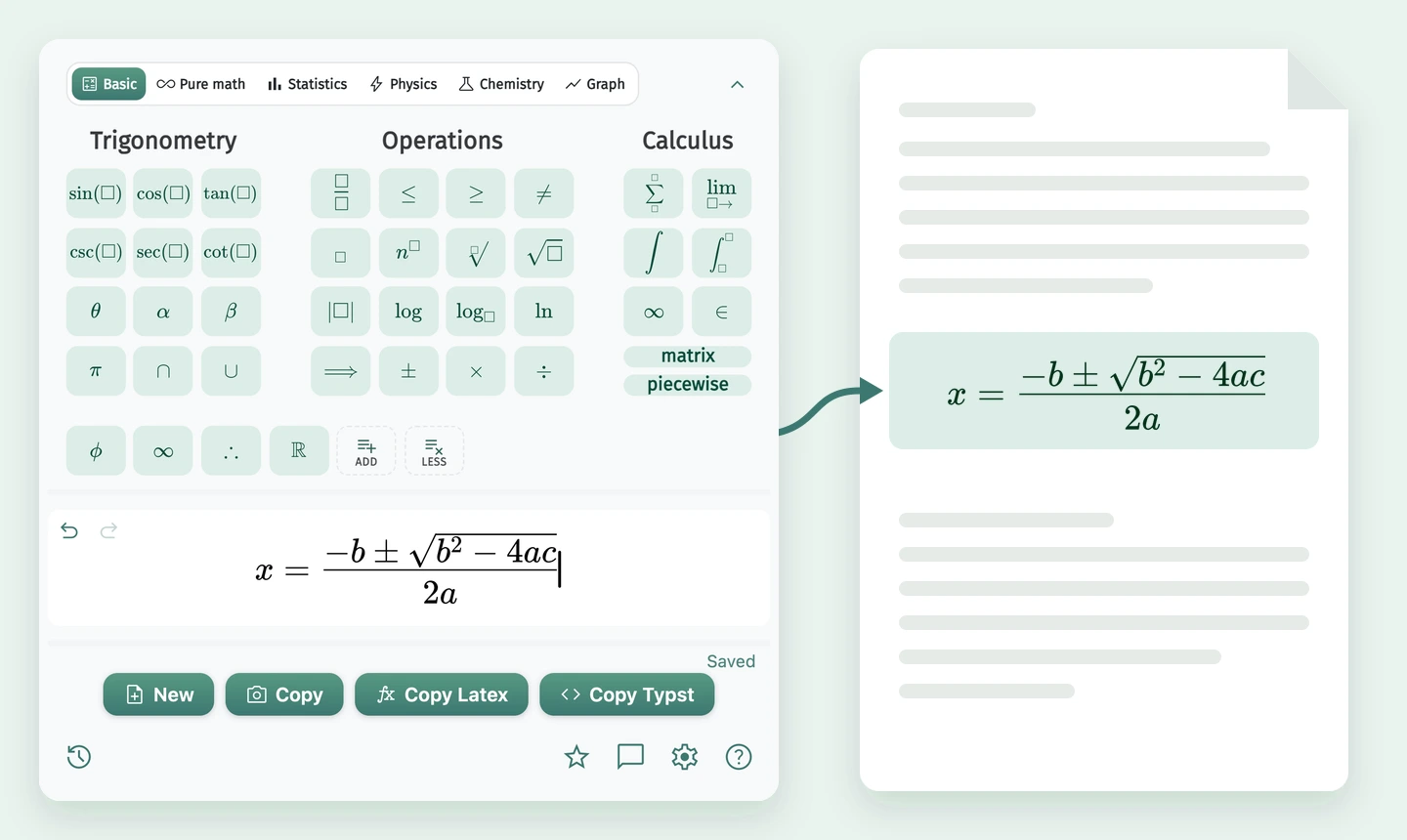
Trigonometry, operations, calculus, matrices, piecewise, and custom keys.
MATH Keys
A Typst editor and LaTeX editor with a STEM keyboard for students, teachers, and researchers.
Live demo: MATH Keys dark editor building the Fundamental Theorem of Calculus
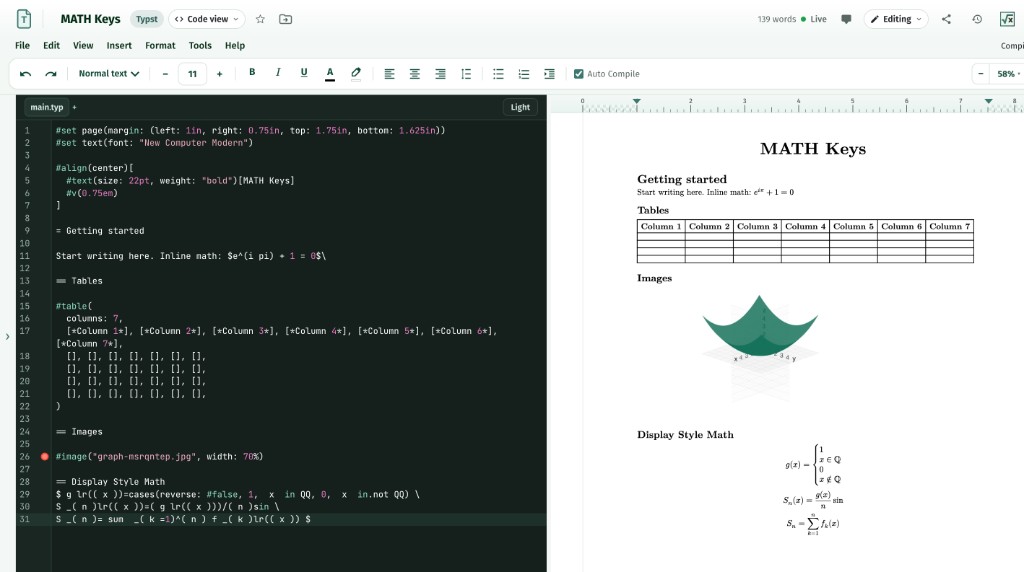
Write in LaTeX or Typst with source, visual editing, and compiled PDF tools in one workspace. Math Drive keeps every file organized, the STEM keyboard inserts notation without extra setup, AI Fix helps resolve compile errors, and collaboration tools keep feedback close to the document.
Create, compile, fix, organize, and collaborate without leaving your document.
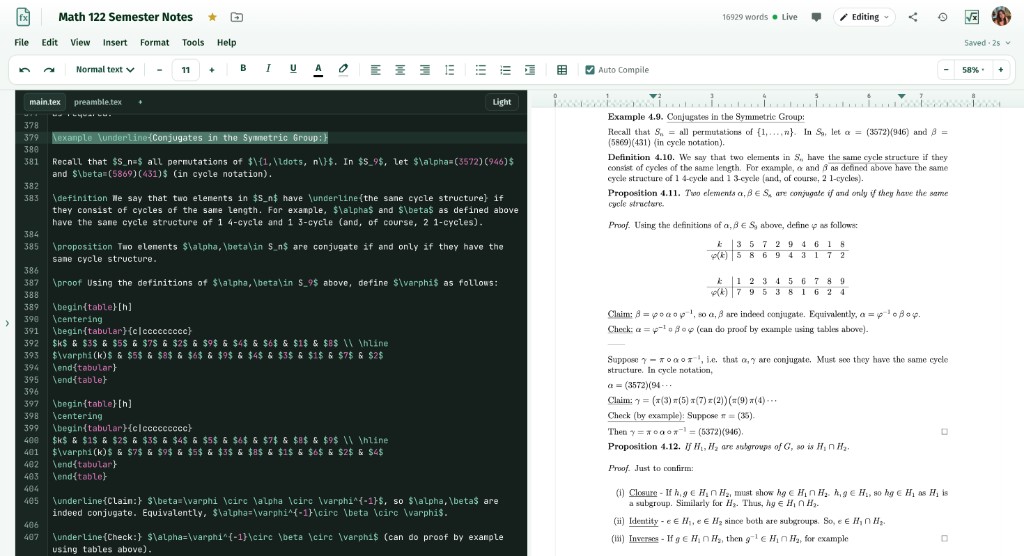
Choose source with a compiled PDF, or build a Typst document visually without writing code.
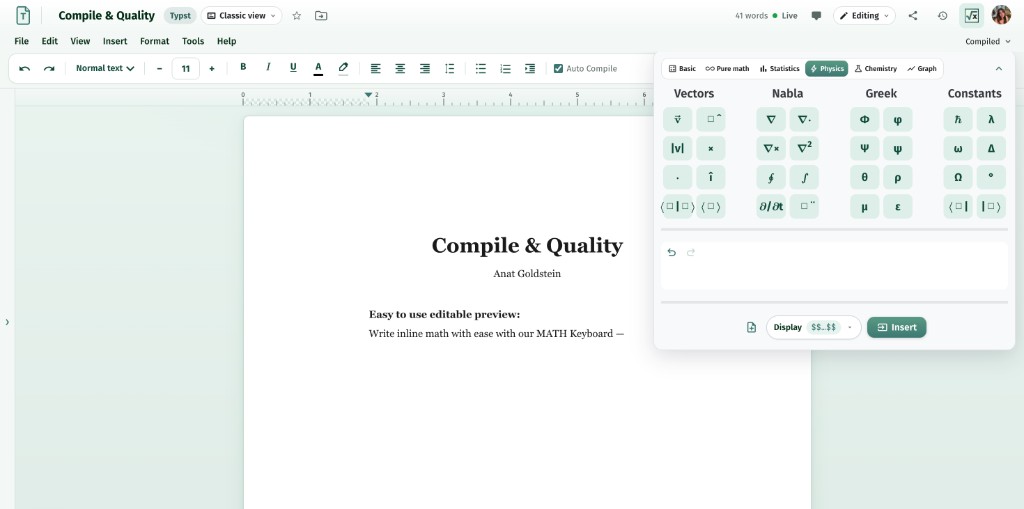
The keyboard trusted by more than 90,000 students, teachers, and researchers is always ready inside the editor.
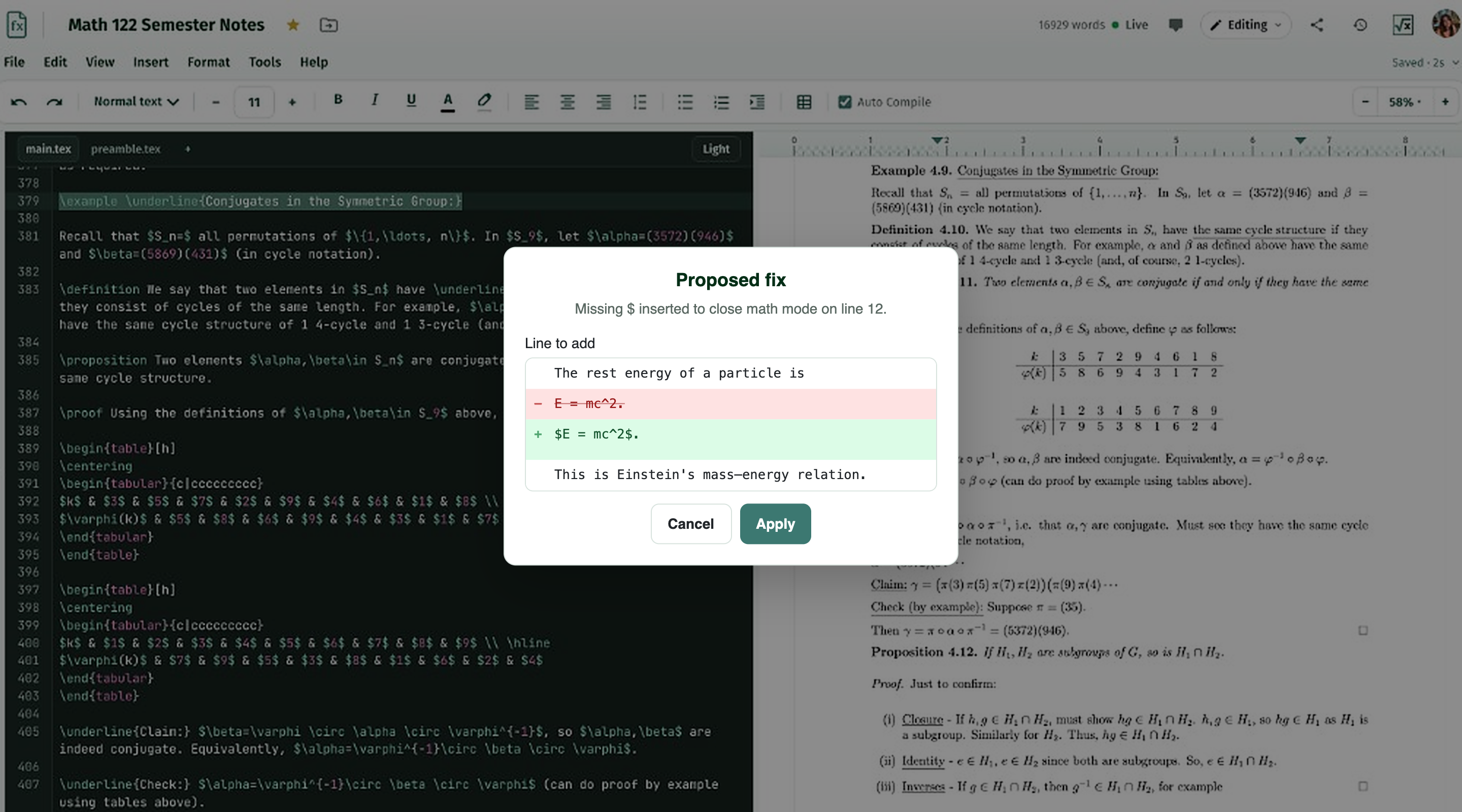
AI Fix turns a difficult compile log into a clear explanation and a focused edit you can review.
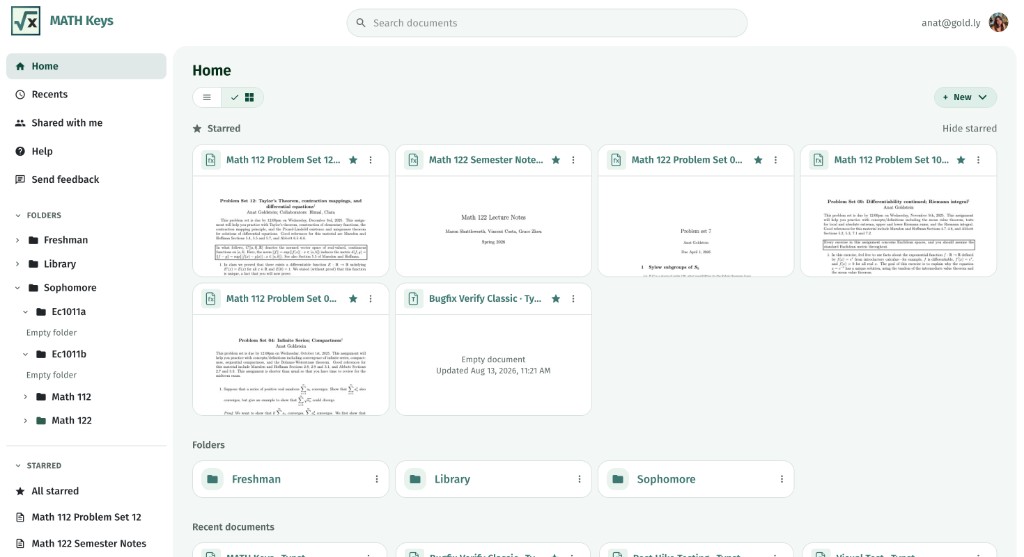
Math Drive keeps documents, folders, figures, shared files, and permissions together.
Co-edit, comment, suggest changes, manage access, and return to earlier versions from one document.
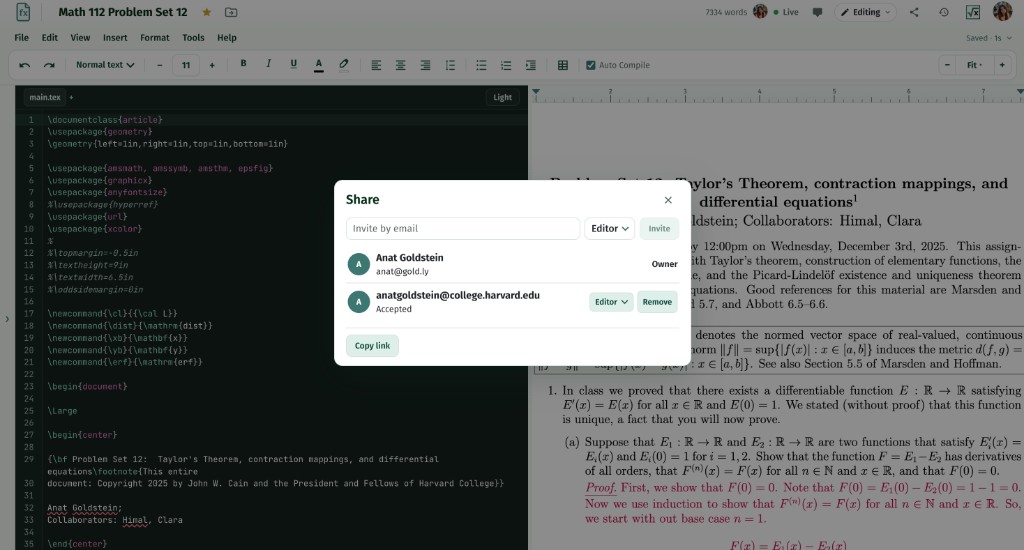
Hover to learn more.

Create a document in Math Drive and start writing. LaTeX and Typst compile in the browser, while Typst Classic view offers a visual, no-code path with the packages you need added automatically.
Move from everyday math to pure math, statistics, physics, chemistry, and graphing.
Trigonometry, operations, calculus, matrices, piecewise, and custom keys.
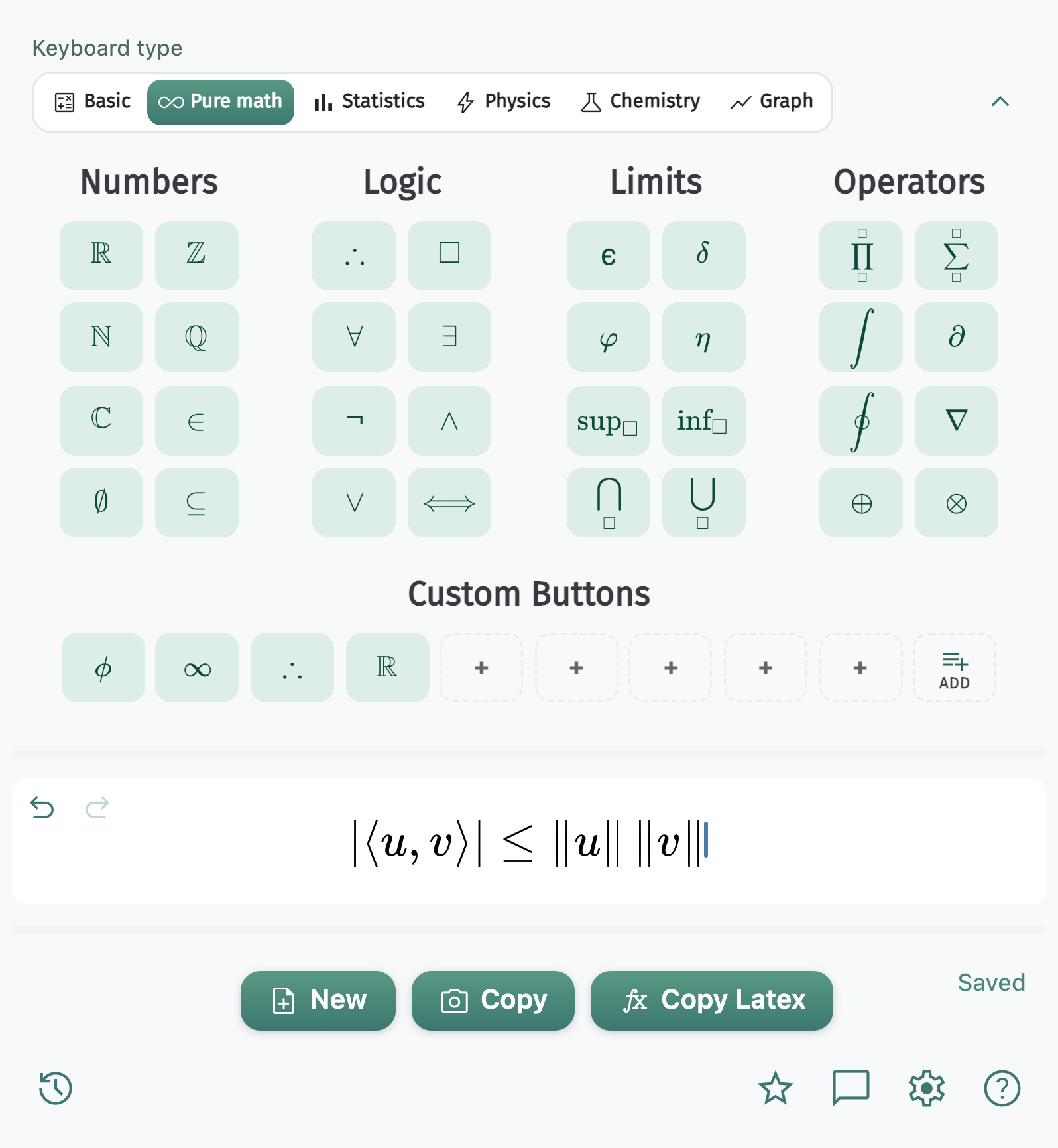
Number sets, logic, and operators for proofs and analysis.
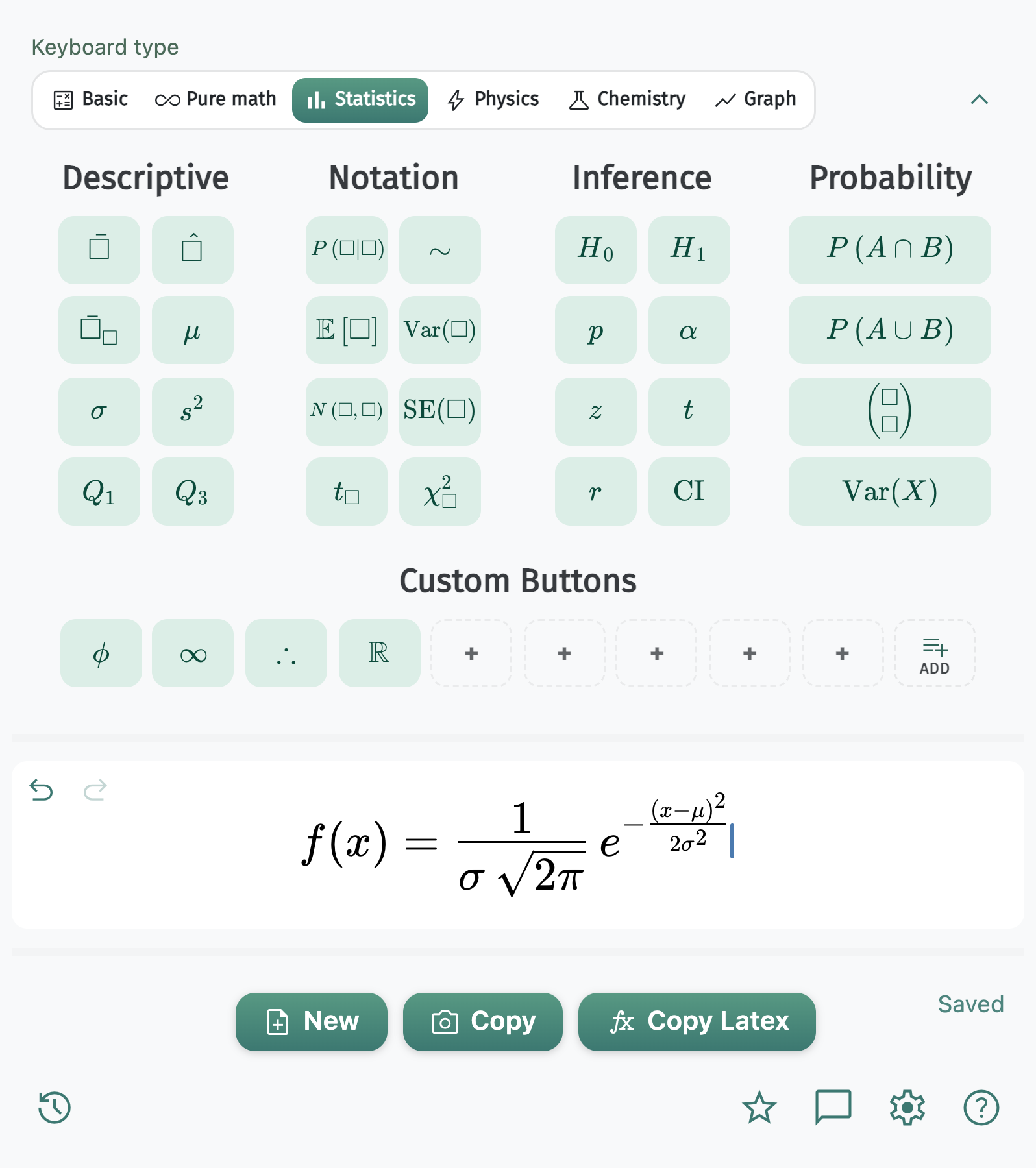
Distributions, hypothesis tests, and combinatorics.
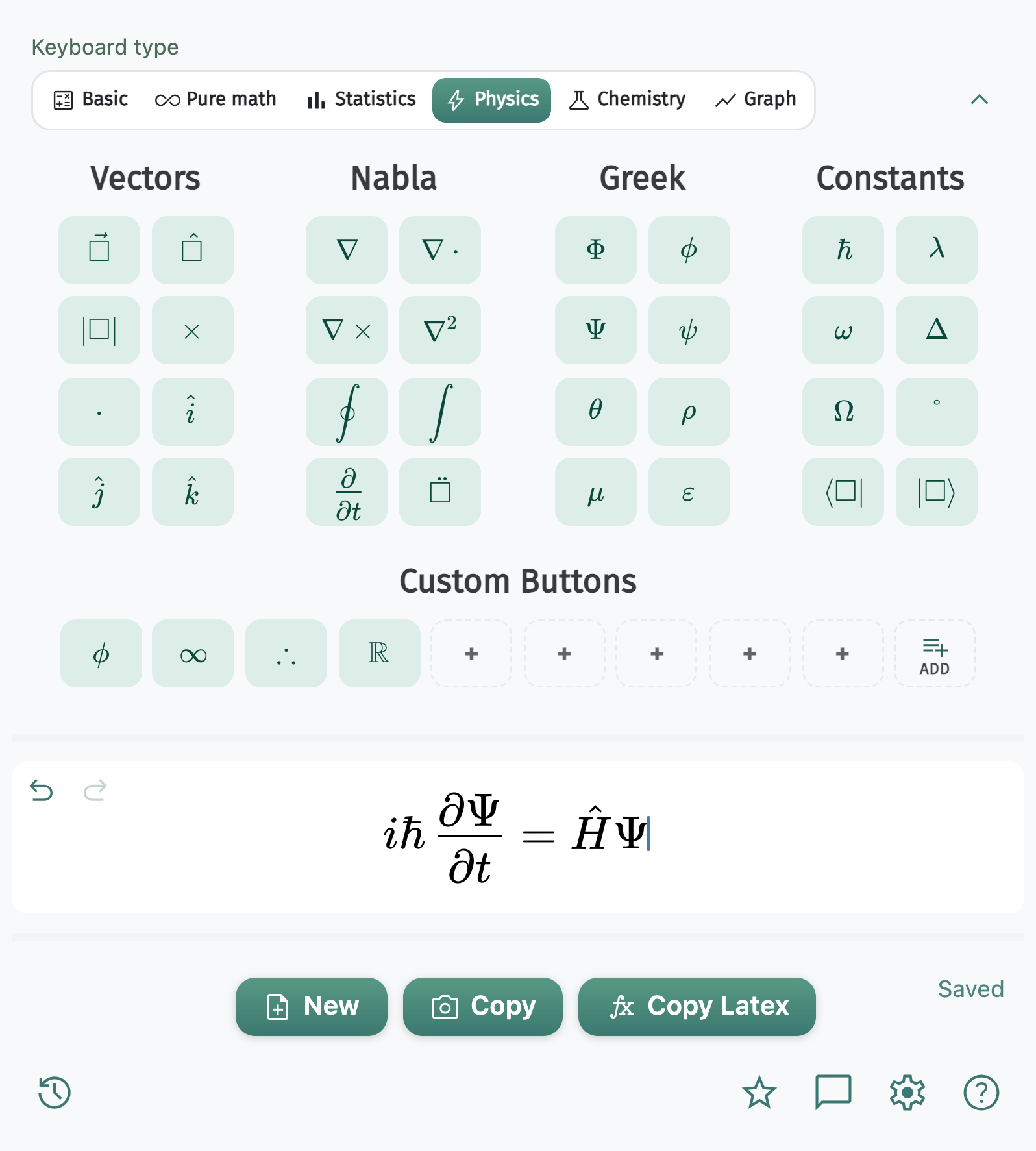
Vectors, nabla, Dirac notation, and constants like ℏ.
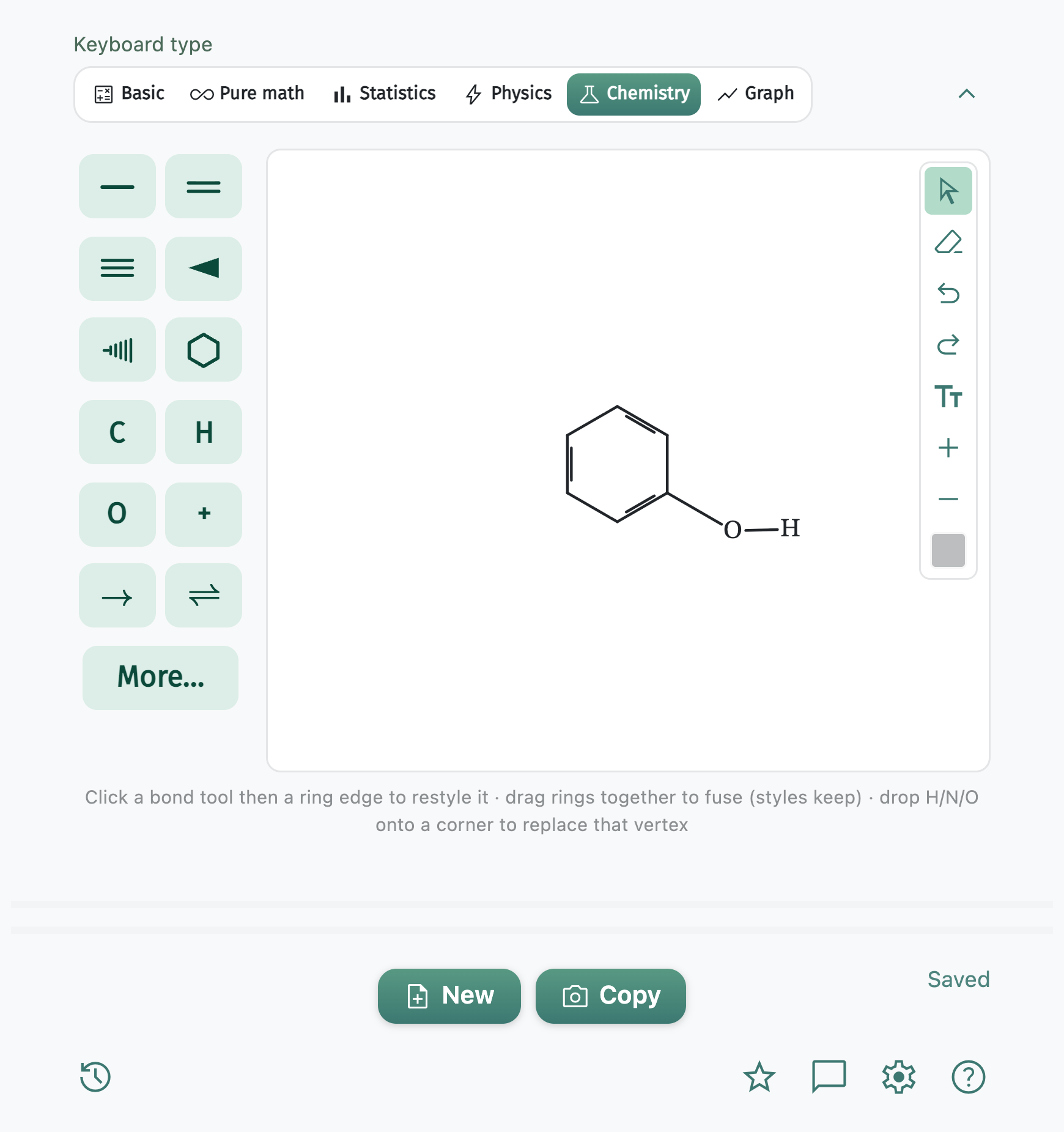
Draw structures, then copy as an image or chemfig / mhchem LaTeX.
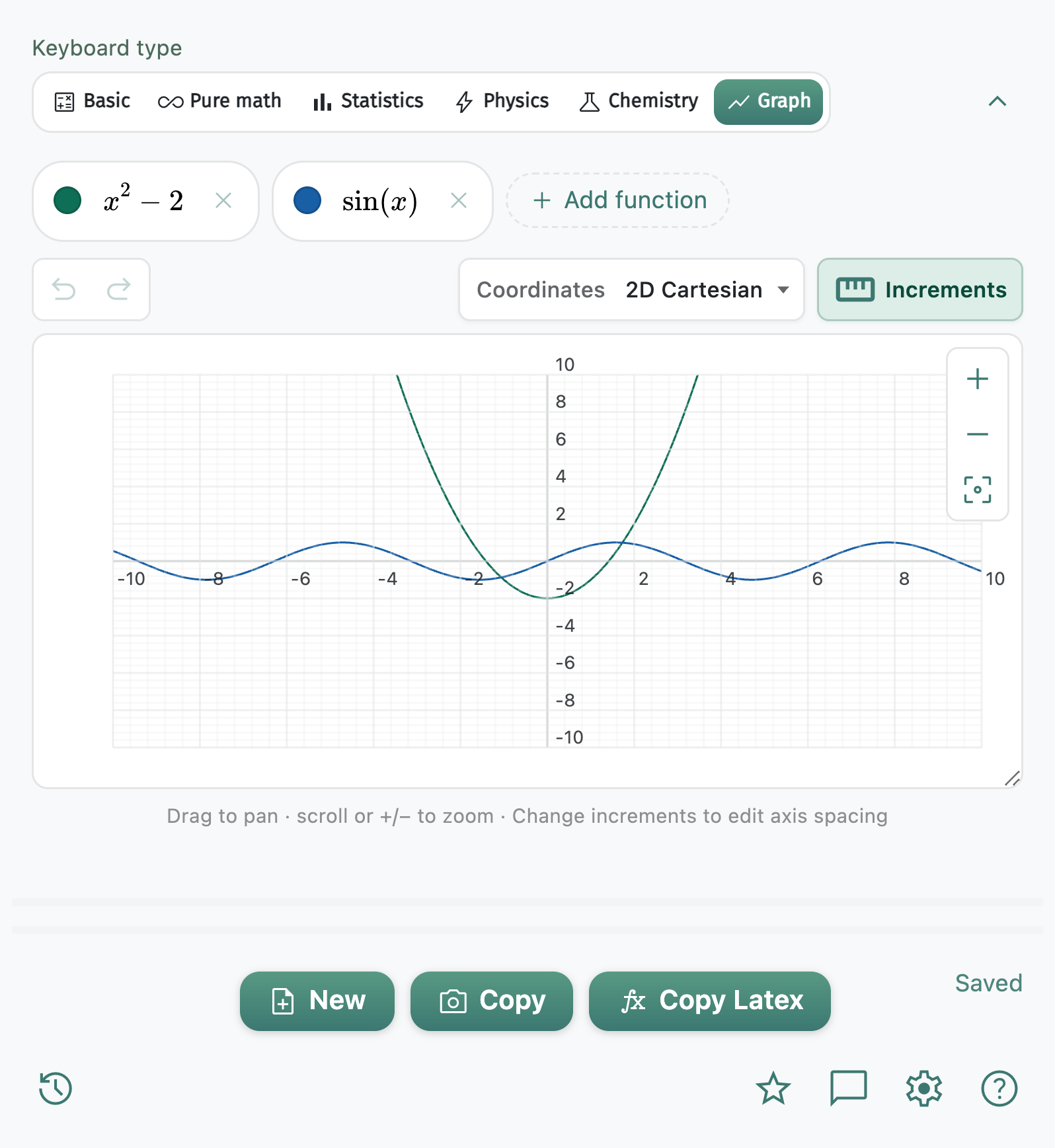
Cartesian, polar, and 3D plots with pan, zoom, image export, and TikZ.
MATH Keys
The MATH Keys extension brings the STEM keyboard trusted by more than 90,000 students, teachers, and researchers to the rest of your work. Copy math, chemistry, and plots as an image or LaTeX into Google Docs, Slides, Microsoft Word, PowerPoint, Keynote, Gmail, and more.
See every keyboard tool on the learn more page.
MATH Keys is both a STEM keyboard for inserting math, chemistry, and plots and an online LaTeX and Typst editor. The editor includes source and visual writing, compiled PDF tools, Math Drive, format conversion, AI Fix, and collaboration. The extension brings the same keyboard to the apps where you already write.
Yes. Write LaTeX source or use visual editing tools, insert notation with the STEM keyboard, Auto Compile to PDF, jump from PDF text to its source, and use AI Fix on compile errors. Plus and Pro add advanced capacity and conversion tools, including editable Typst documents created from LaTeX.
Yes. Write Typst source beside a live preview, or choose Classic view for a visual, no-code editor with formatting and STEM keyboard tools. Auto Compile produces the PDF, and conversion can create an editable LaTeX document. Plus and Pro add advanced capacity and conversion options.
The STEM keyboard extension is free for everyone, and you can get started in the document editor for free. Plus and Pro are available when you need more documents, conversions, collaboration, AI Fixes, or version history. See pricing options.
Typst is an accessible document typesetting language with simpler syntax than LaTeX for many writers. MATH Keys lets you create Typst documents in source view or use the visual Classic editor for a no-code option, with the STEM keyboard and compiled PDF tools built in.
Yes. Write a complete LaTeX or Typst document, organize its figures and supporting files in Math Drive, and compile the PDF in the browser. Auto Compile keeps the preview current, PDF-text-to-source jump helps with navigation, and AI Fix can explain errors and propose a correction.
No. Compiling happens on our servers, so a browser is the only requirement. Nothing to install on a laptop, a lab machine, or a Chromebook, and nothing to set up again when you switch computers.
Yes. Use the STEM keyboard for notation and the formatting bar for common document edits. MATH Keys inserts required packages when your edits need them. Because the inserted source stays visible, most people pick up the syntax by reading their own document.
Use it anywhere you can paste an image or LaTeX, including Google Docs, Slides, Microsoft Word, PowerPoint, Keynote, Gmail, and other writing tools. The keyboard covers math, pure math, statistics, physics, chemistry, and graphing, with image and source export for equations, chemistry structures, and plots.
Create a LaTeX or Typst document and start with source editing, live PDF tools, or Typst Classic view if you prefer a visual editor. Add the Chrome extension whenever you need quick STEM notes or math insertions in another app.